
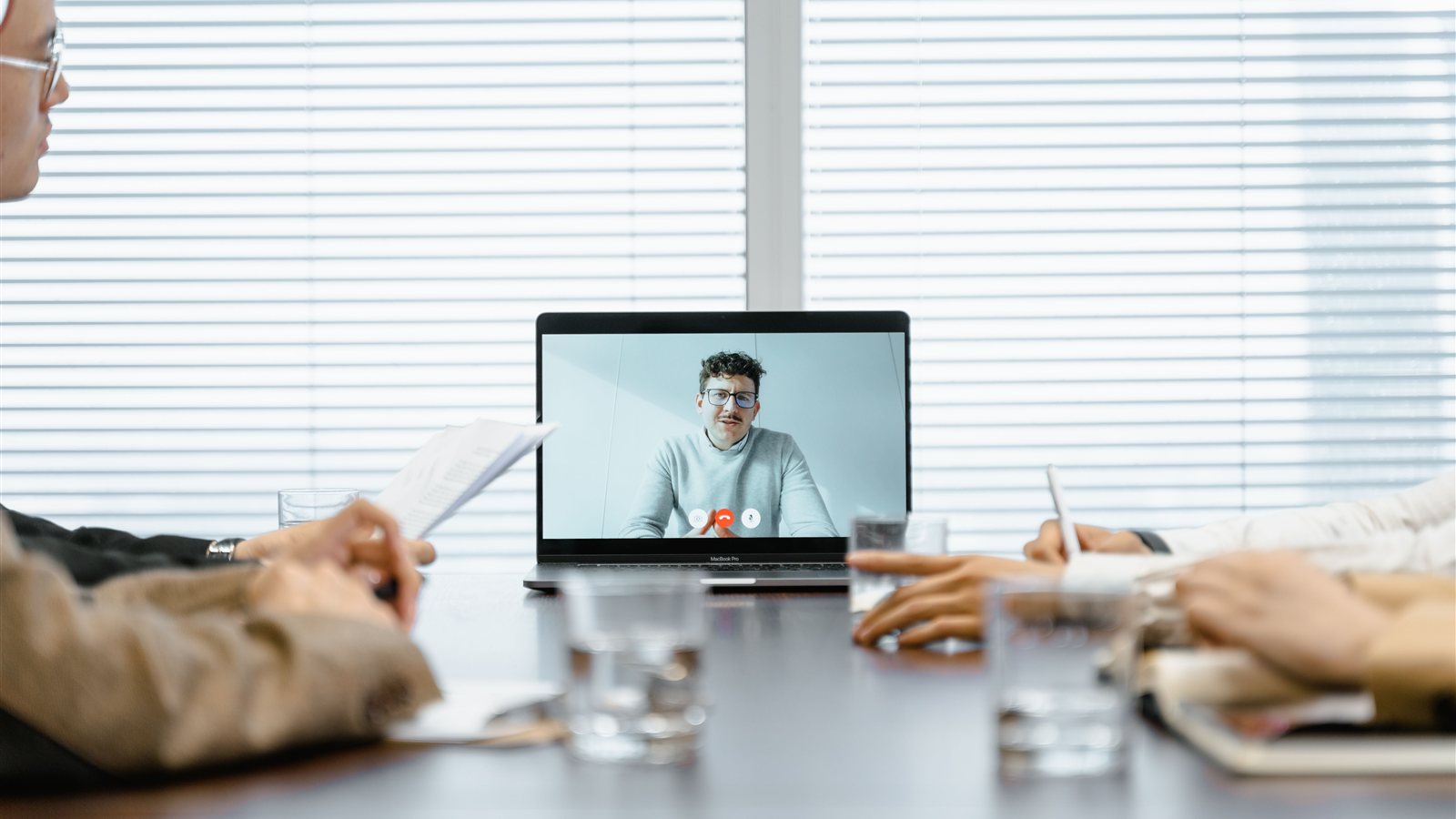
How Microsoft Teams Rooms Solutions Turn Any Conference Room Into a Seamless Video Hub
Walk into most conference rooms today and you’ll see the same scene: someone hunched over a laptop, fumbling with an HDMI cable, apologizing to the rest of the meeting while they try to get the screen share working.
Video conferencing became a daily habit years ago. The hardware in most conference rooms never caught up.
A dedicated Teams Rooms setup – built around a device like a Yealink meeting bar – fixes that gap without a full AV overhaul.
What a Teams Rooms Solution Actually Replaces
A modern meeting bar combines the camera, microphone array, and speakers most rooms are currently cobbling together from a laptop’s built-in hardware and a spare Bluetooth speaker. It mounts under or beside the display, connects to a small computing unit, and runs Microsoft Teams natively – no laptop required to start a call.
Walk in, tap “Join” on the room’s touch panel, and the call starts. No cables, no logins, no “can everyone hear me” for the first five minutes.
Why This Matters Beyond Convenience
-
Wide-angle, intelligent framing: Modern meeting bars automatically frame whoever’s speaking, so remote participants aren’t staring at an empty half of the table.
-
Consistent audio quality: Built-in microphone arrays pick up voices across the room far better than a laptop mic ever could, cutting down on the “can you repeat that?” moments.
-
One-touch join: Calendar integration means the room already knows what meeting is happening and joins it with a single tap.
-
Less IT support burden: Fewer moving parts (no laptop, no dongles, no per-user software) means fewer things that break mid-meeting.
It’s Not Just for Large Conference Rooms
Teams Rooms hardware scales down as easily as it scales up. A compact meeting bar works well in a small huddle room, while larger rooms can pair multiple cameras and displays for an all-in view. The right setup depends on room size, how the space gets used, and what’s already on the network – which is exactly the kind of thing worth scoping before buying hardware off a shelf.
Still Running Meetings Off a Laptop and a Prayer?
Atech Business Services designs, installs, and supports Teams Rooms solutions built around your space – so every meeting starts on time, for everyone.
Schedule a complimentary consultation to talk through the right setup for your conference rooms.